Prop Browser
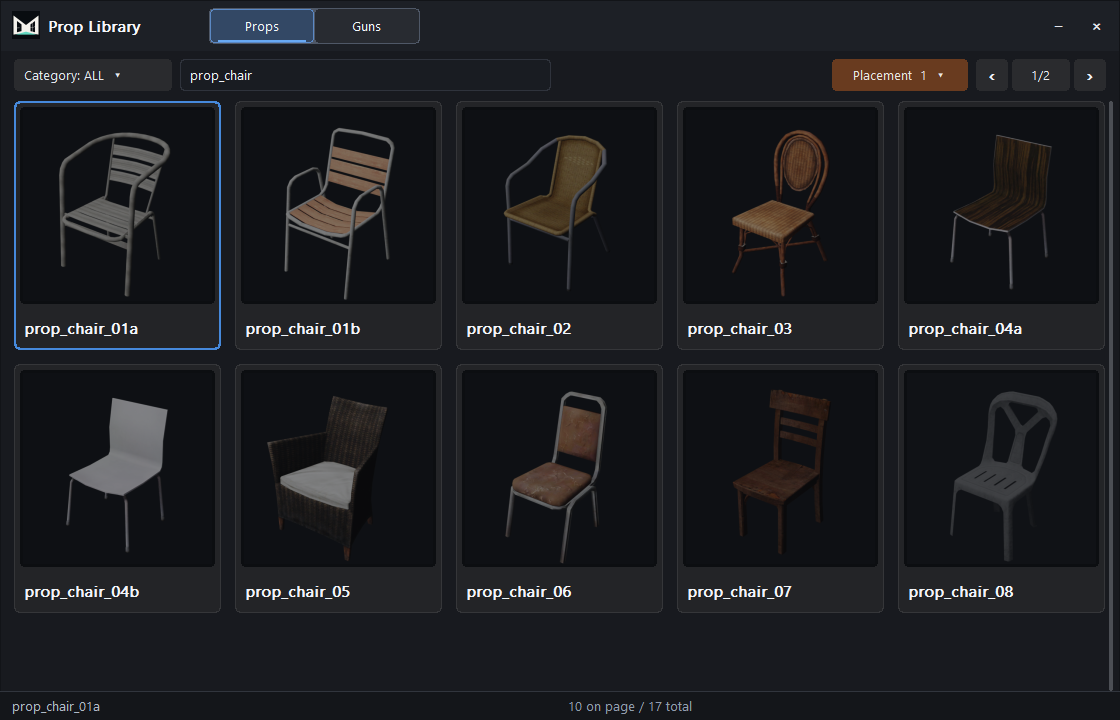
Search a visual catalog of local GTA V props instead of browsing archives by filename.
- Filter by category, tag and name
- Preview textured assets before placing them
- Place, align, rotate and snap directly in the viewport

GTA V props and materials in Blender
Browse GTA V props, place them in your scene and edit their materials in Blender.
Windows · Blender 4.0+ · Sollumz · CodeWalker · Local GTA V files
New to MLO creation? Start here ↗This overview was recorded with an earlier interface. Read the current guide.
What you get
Find props for your scene and change their materials with the base MLOStudio add-on. MLOStudio AI, the interior generator, is a second add-on described below.
Search a visual catalog of local GTA V props instead of browsing archives by filename.

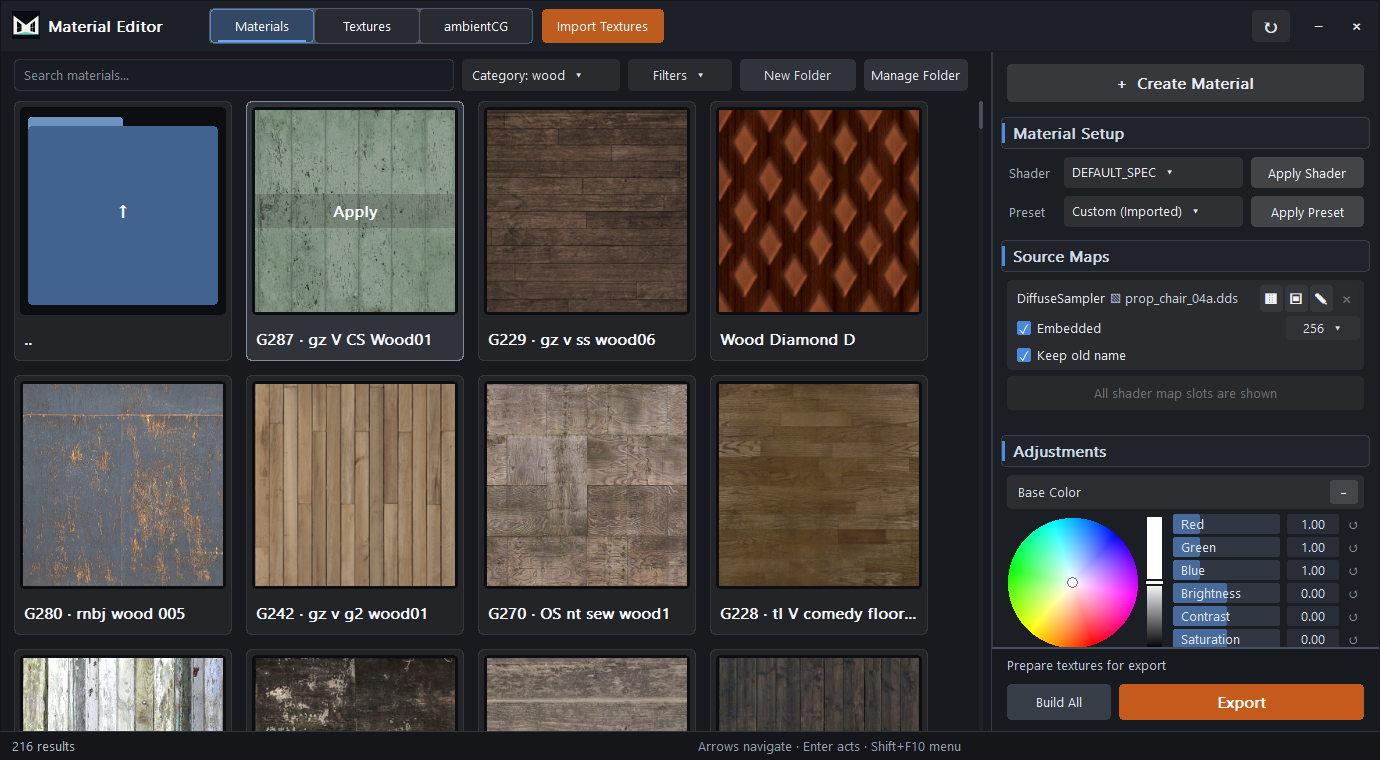
Create materials from texture maps, adjust their appearance in Blender and save them for use in other scenes.

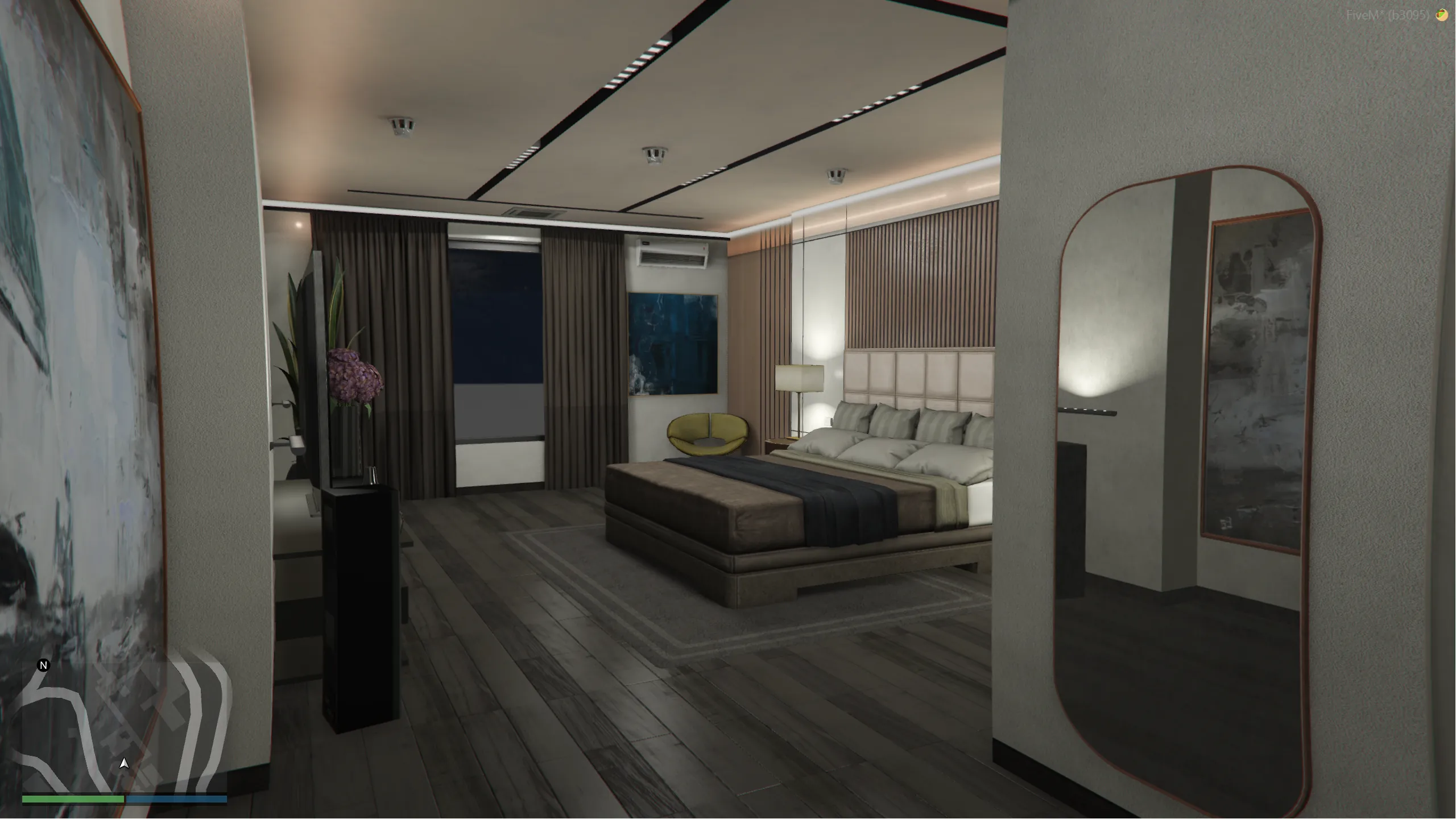
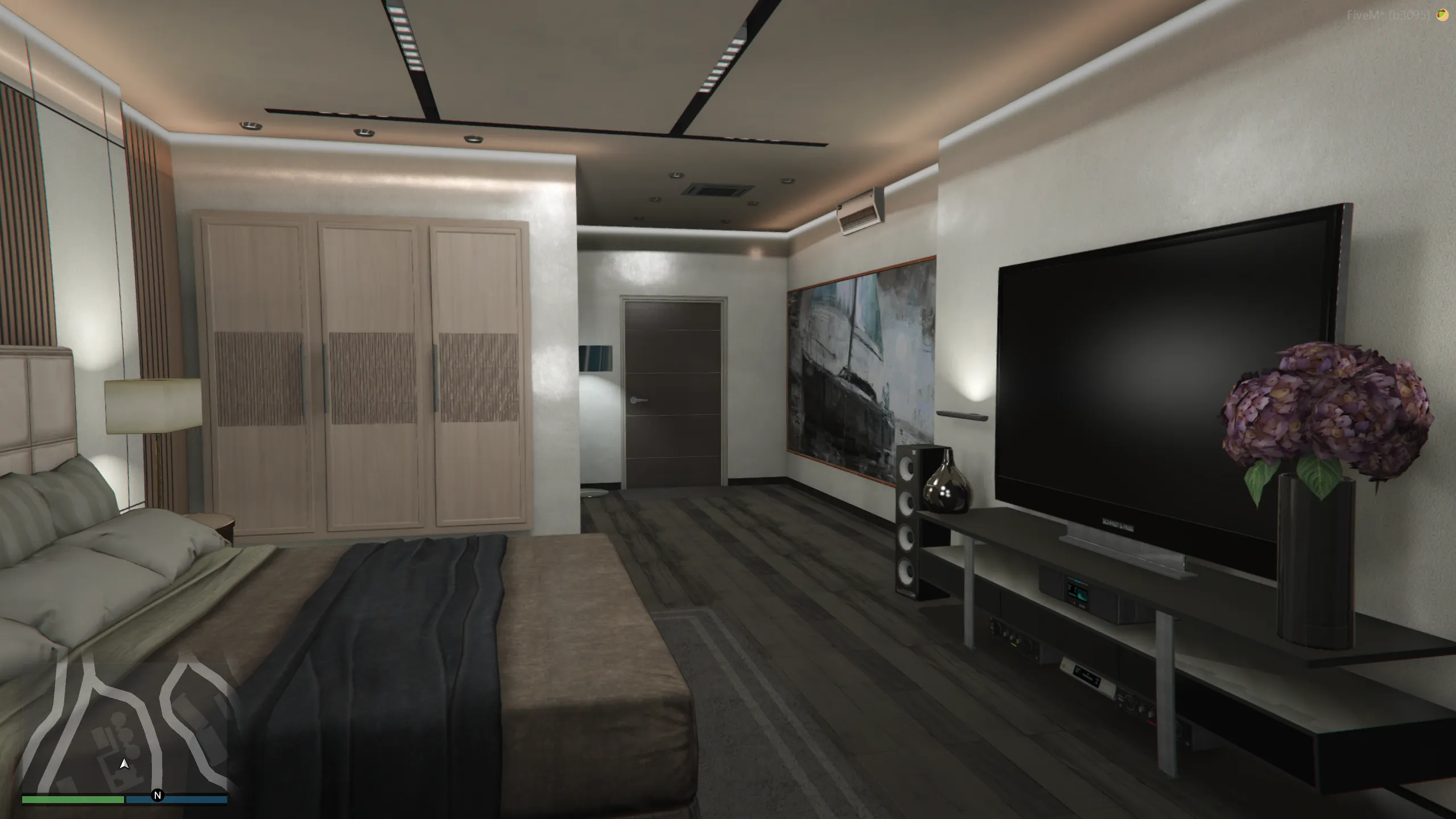
Describe an interior in one sentence and get a furnished FiveM resource in your server folder: apartments, houses, police, EMS, shops, bars, clubs, offices and more. Open or teleport, with or without an exterior, in nine prompt languages. Same license key, credits included with every plan.
How MLOStudio AI works ↗

Workflow
Requirements
The GTA V library reads files from your own lawful local installation. MLOStudio does not include game files. To make a playable interior, you also prepare its structure and collision with Sollumz and CodeWalker, then test it in FiveM. Follow the first-project guide.
Every plan includes the same MLOStudio tools and MLOStudio AI generation credits: 10 every month, or 100 with Founders Lifetime. Choose monthly, annual or lifetime access.
Monthly
Full access. Cancel future renewals any time.
Choose MonthlyAnnual
Save $80 per year compared with monthly billing.
Choose AnnualFounders Lifetime
Lifetime product access and future updates.
Choose Founders LifetimeFAQ
No. The base add-on helps you find and place props and edit materials. A playable interior also needs its game model, collision, rooms and portals, map placement and a FiveM resource. The first-project guide explains these steps and links to the Sollumz tutorials. MLOStudio AI, the second add-on, generates a complete furnished interior as a ready FiveM resource.
Every plan includes generation credits: Monthly and Annual add 10 every month, Founders Lifetime gives 100. An apartment, shop or office uses 1 credit, a house or a large venue 2. Generation packs add more credits to the same license key.
No. MLOStudio works with files from your own lawful local GTA V installation. It does not sell or distribute Rockstar Games assets.
Yes. MLOStudio is designed around Sollumz for GTA materials and export, and CodeWalker for the local game-file workflow.
Only the billing period. Monthly, Annual and Founders Lifetime include the same MLOStudio tool.

Contact
Ask about setup, licensing or your project. If something is not working, include your Blender and MLOStudio versions, the steps you took and the error message.